


Features — allied health
Task lists that live on the visit, ticked off in the app.
For allied health teams delivering NDIS supports: attach a task list to any shift or appointment, set clinical and admin tasks to recur, and every tick lands on the visit record and in the audit log.
On the visit
The checklist travels with the appointment.
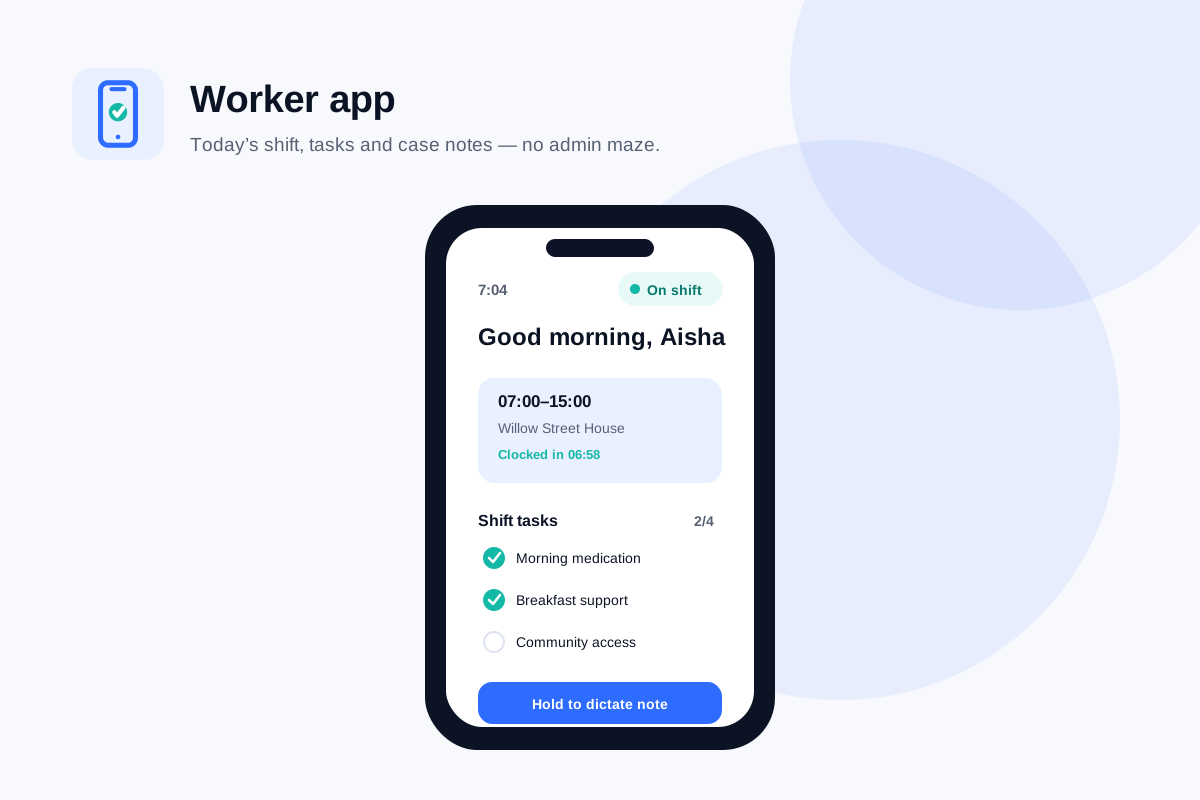
A task list nobody carries into the visit is a policy, not a practice. Nexrosta puts the list where the work happens — on the worker’s phone, against the shift or appointment they are clocked into.
On the appointment, not in a memo
The task list is attached to the shift or appointment it belongs to. A therapy assistant opening today’s visit sees today’s tasks — not a laminated sheet from the filing cabinet.
Ticked off in the app
One tap per task, timestamped as it happens. No admin screens, no separate checklist app, no photographing a paper form at the end of the day.
Part of the visit record
The ticked list is stored with the visit it was worked on, beside the clock record and the case note. What was done sits with the evidence that it was done.
Recurring tasks
Set the pattern once. It keeps showing up.
Most of an allied health team’s tasks are not one-offs — they are the same clinical and administrative work returning on a rhythm. Recurring tasks put that rhythm in the system instead of in someone’s head.
Clinical tasks that repeat
An outcome measure due before each plan review, a home exercise programme to run through each visit, equipment to check each session. Set the pattern once and it appears on every matching appointment.
Admin tasks that repeat
Progress reports coming due, consent forms to renew, travel to record. Recurring admin tasks land in the right person’s list on schedule instead of living in someone’s memory.
Actions agreed in a multidisciplinary meeting are assigned the same way — as tasks with an owner and a due date. See care team meetings.
Evidence
A ticked list is evidence, not decoration.
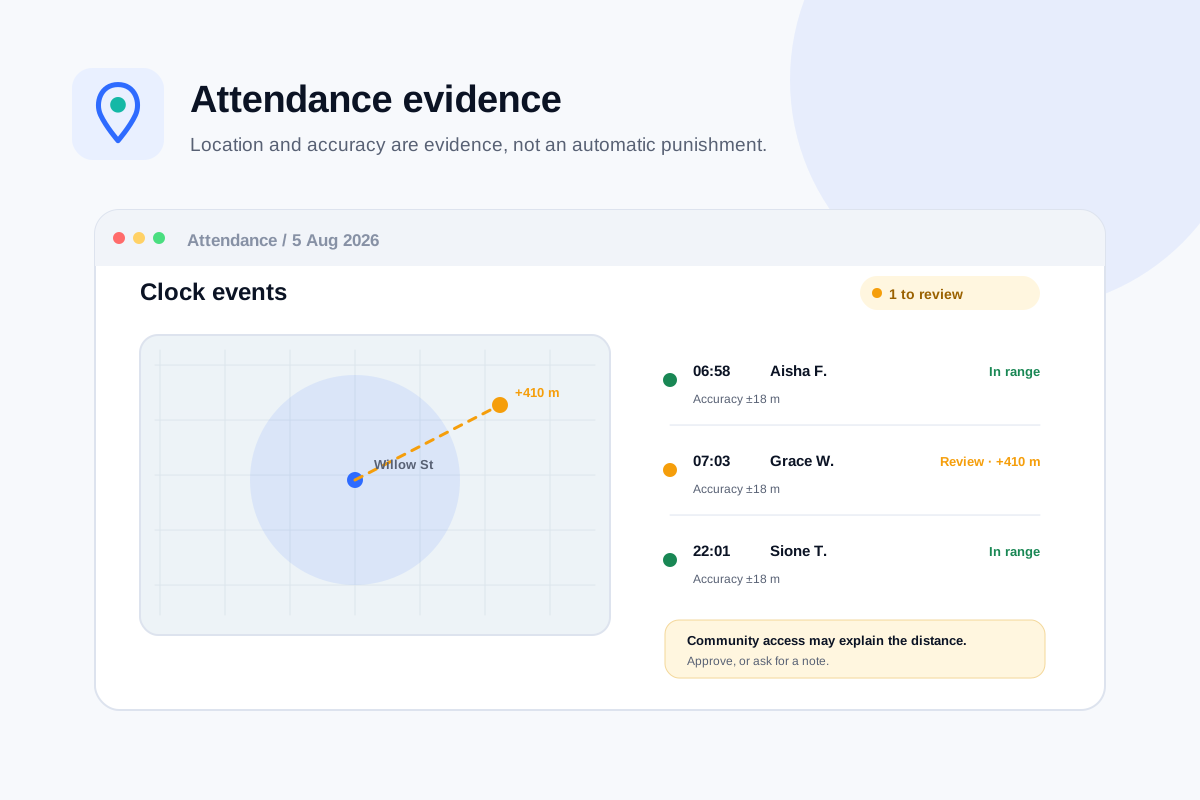
Because every tick is recorded against the visit, the task list becomes part of the record of what happened — alongside the clock events and the case note, not in a separate system that tells a different story.
- The ticked list sits beside the clock record and case note for the same visit
- Unfinished tasks stay visible for follow-up instead of vanishing at midnight
- An auditor asking about a visit sees what was done, by whom, at what time
The audit log
Who did what, answered without a meeting.
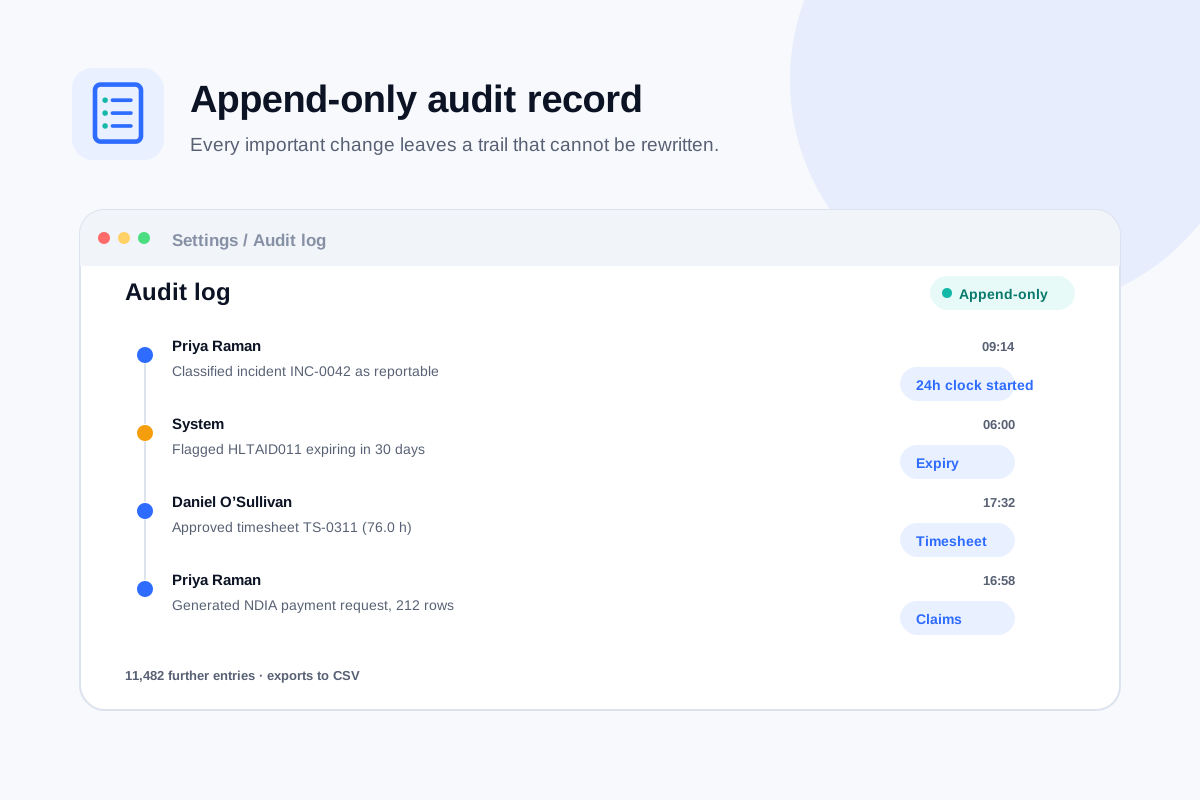
When a task was missed — or when someone asks whether it was — the answer should be a lookup, not a reconstruction. Every task event is written to the same append-only audit log as the rest of Nexrosta.
- Every tick is written to the append-only audit log — who, what, when
- Nothing in the log can be edited or deleted, including by an owner and including by us
- Unticking a task is recorded too, with the original tick preserved
Related
Get started
Put the checklist where the work is.
Add your team, attach a task list to tomorrow’s appointments, and watch them come back ticked — with the record to show for it.
Free forever for up to 5 users. No credit card, no trial clock.